 Owncast now supports custom plugins.
 Restream.io
You must be a paid user of Restream to point to your Owncast instance as a destination "channel".
Restream sends its RTMP stream from the internet, so TCP port 1935 on your Owncast server must be publicly reachable. Have your stream key ready.
-
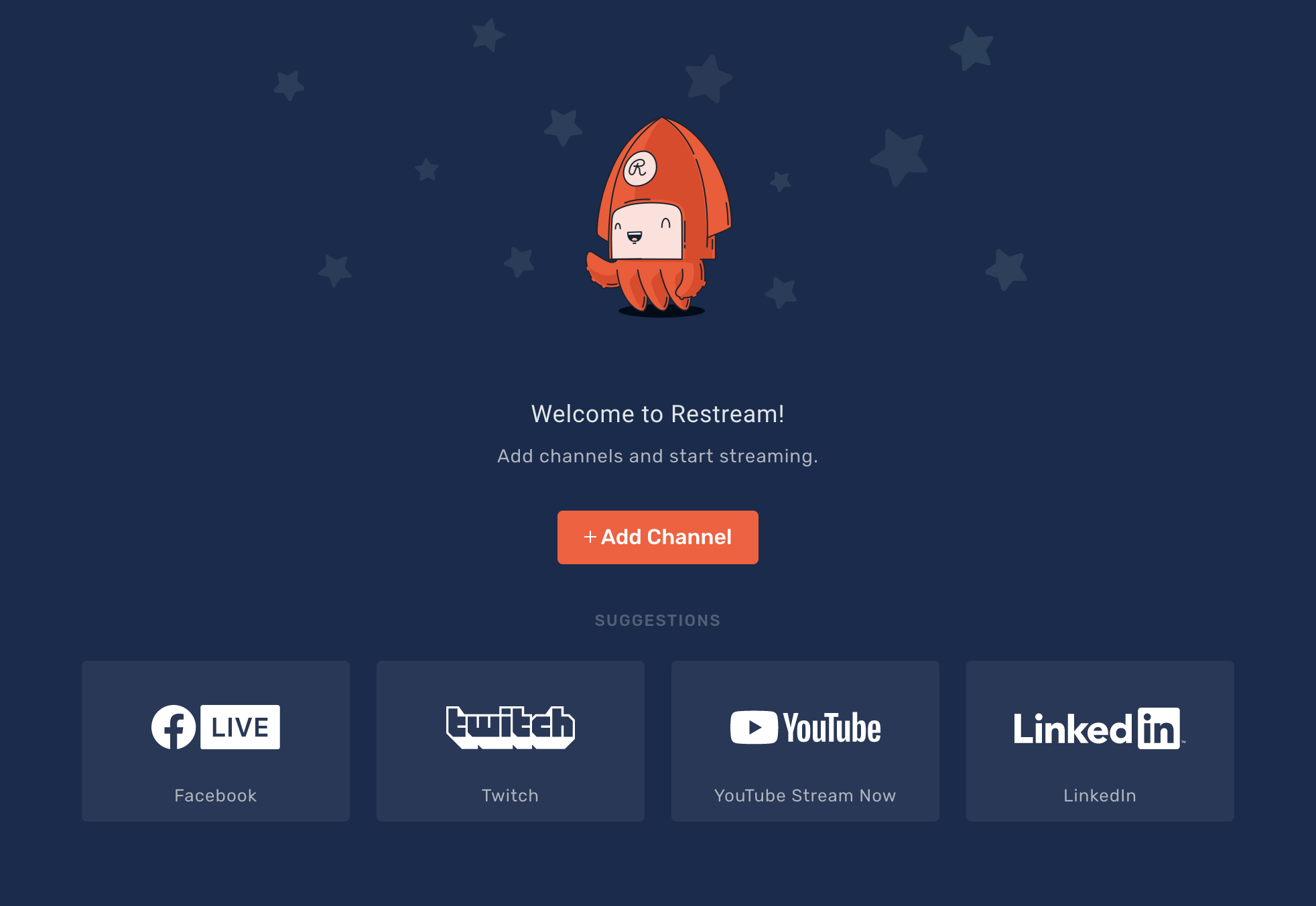
Login and go to the "Add Channel" screen.
-
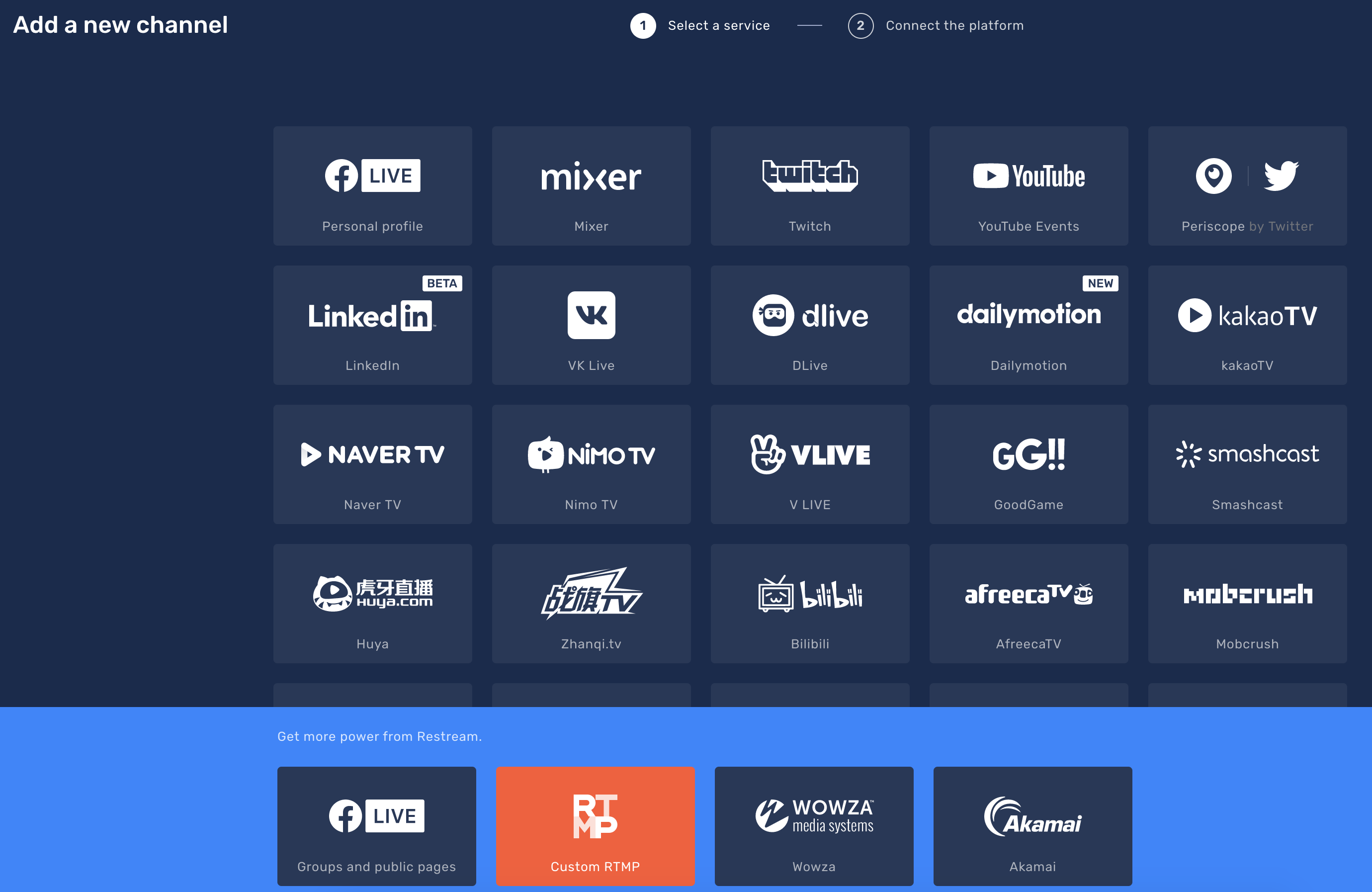
Select "Custom RTMP"
-
Add your server information in the format of
rtmp://myserver/livefor the RTMP URL and your Stream Key.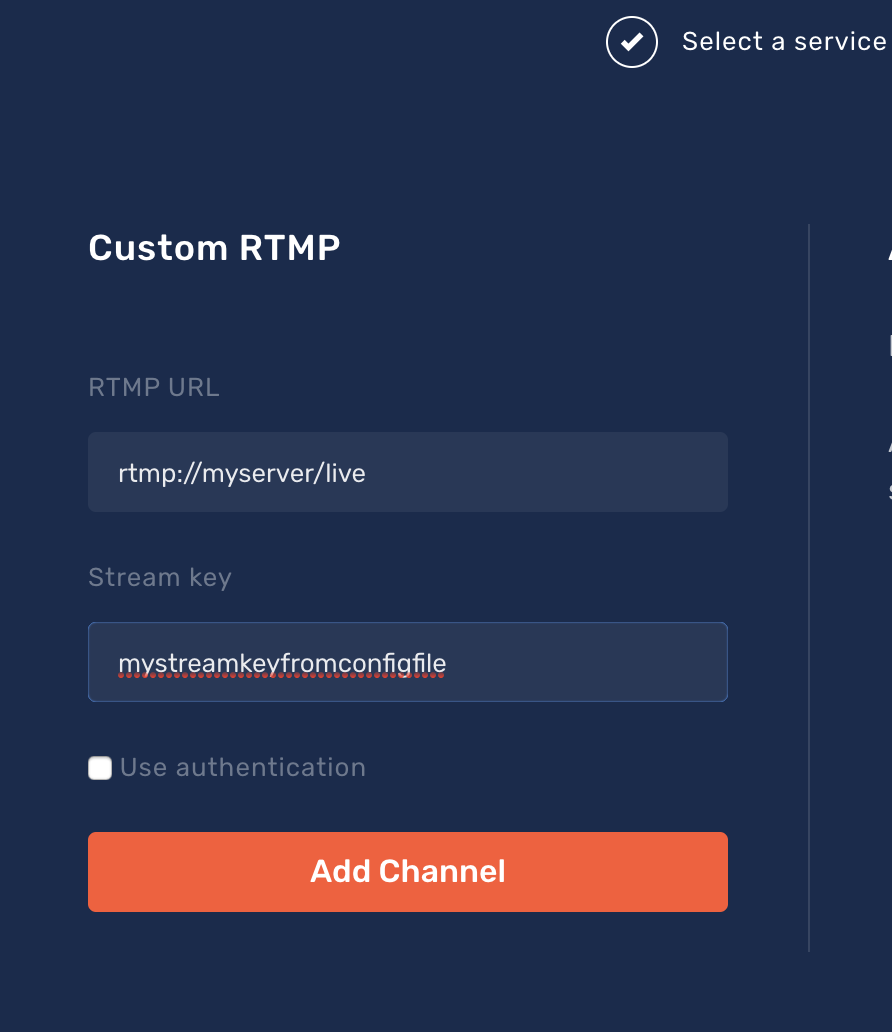
Improve this page
See something missing or incorrect? Edit this page and improve the documentation for everyone.
Contributors to this documentation

Related Documents
- Set Up Broadcasting SoftwareHow you configure your broadcasting software can impact the quality and performance of your stream
- ffmpegffmpeg is a leading command line tool for processing video.
- Compatible hardwareVarious pieces of hardware have been tested with Owncast.
- JitsiJitsi is an open source video conferencing provider.
- OBS/Streamlabs DesktopOBS is a popular piece of free software for live streaming.
- ZoomZoom is a video conferencing provider.