 Owncast now supports custom plugins.
 Upload Custom emoji
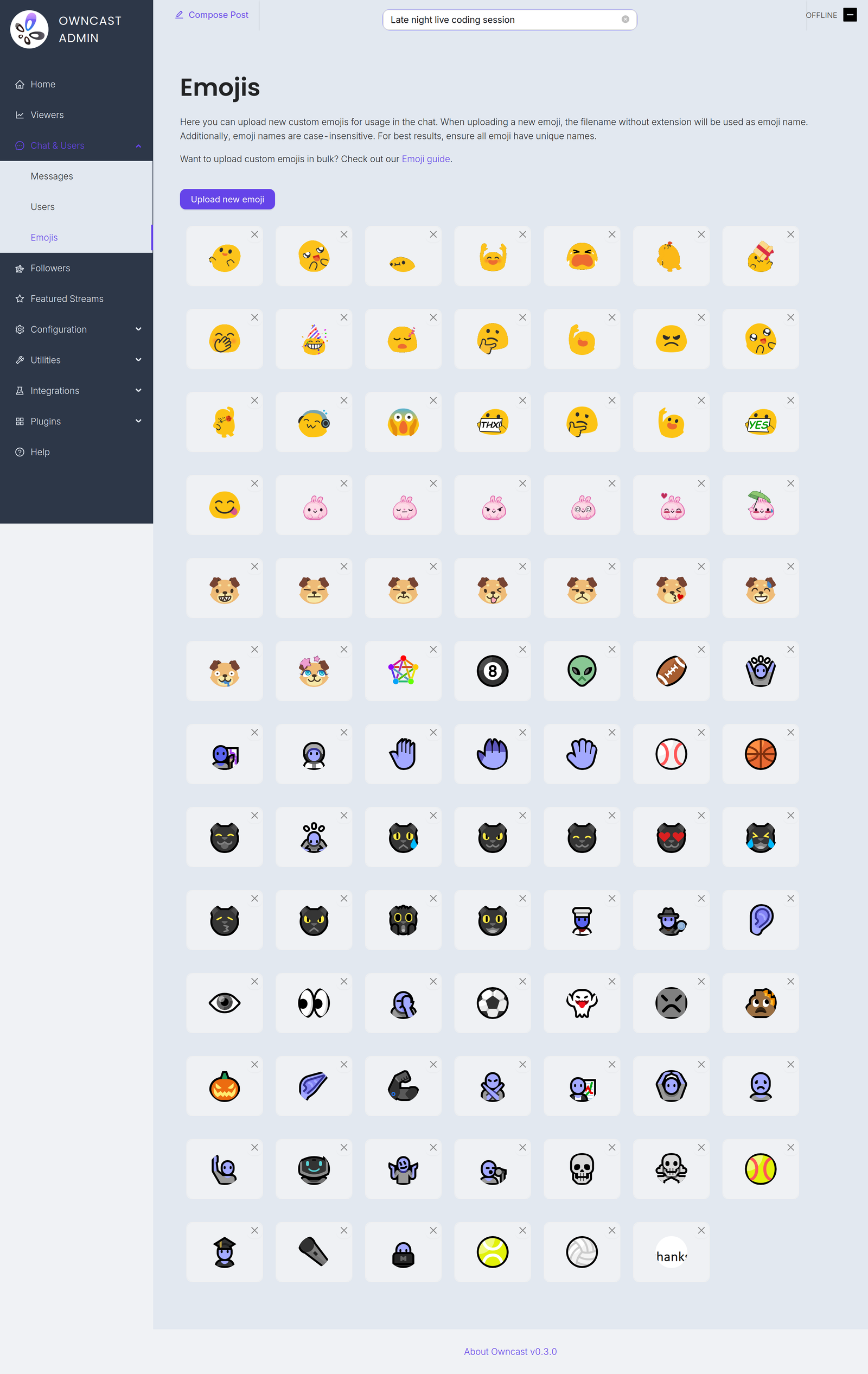
Your stream's chat can be customized with your own custom emoji. You can add as many as you'd like and they'll be available to use in chat.
In the Admin
By visiting the chat custom emoji page in the admin located at /admin/chat/emojis you can add and remove images that are available to chat participants.
Manual management
You can manage your custom emoji images in the data/emoji directory on your filesystem. Here's what you can do:
- Add multiple static and/or animated emoji image files at once
- Delete an entire set of emojis
- Rename all emoji files
- Back up your custom emojis by copying them to another folder
Bundled emoji images
The images bundled with Owncast out of the box are freely licensed by different authors. See the directory of emoji for the respective licenses associated to each collection.
Improve this page
See something missing or incorrect? Edit this page and improve the documentation for everyone.
Contributors to this documentation



Related Documents
- ChatHow to use the Owncast chat features.
- Chat moderationAdd moderators, remove messages and users from your chat.
- Enable Chat authenticationVerify and keep your chat identity.
- Add custom JavaScriptRun custom JavaScript on your Owncast web page.
- Chat is offline
- Chat pluginsBuild chat bots, moderation tools, and message filters for Owncast plugins using chat handlers and owncast.chat APIs.