 Owncast now supports custom plugins.
 Configuration
For most people Owncast will be completely usable out of the box without additional configuration. Simply following the Quickstart will have you streaming in minutes.
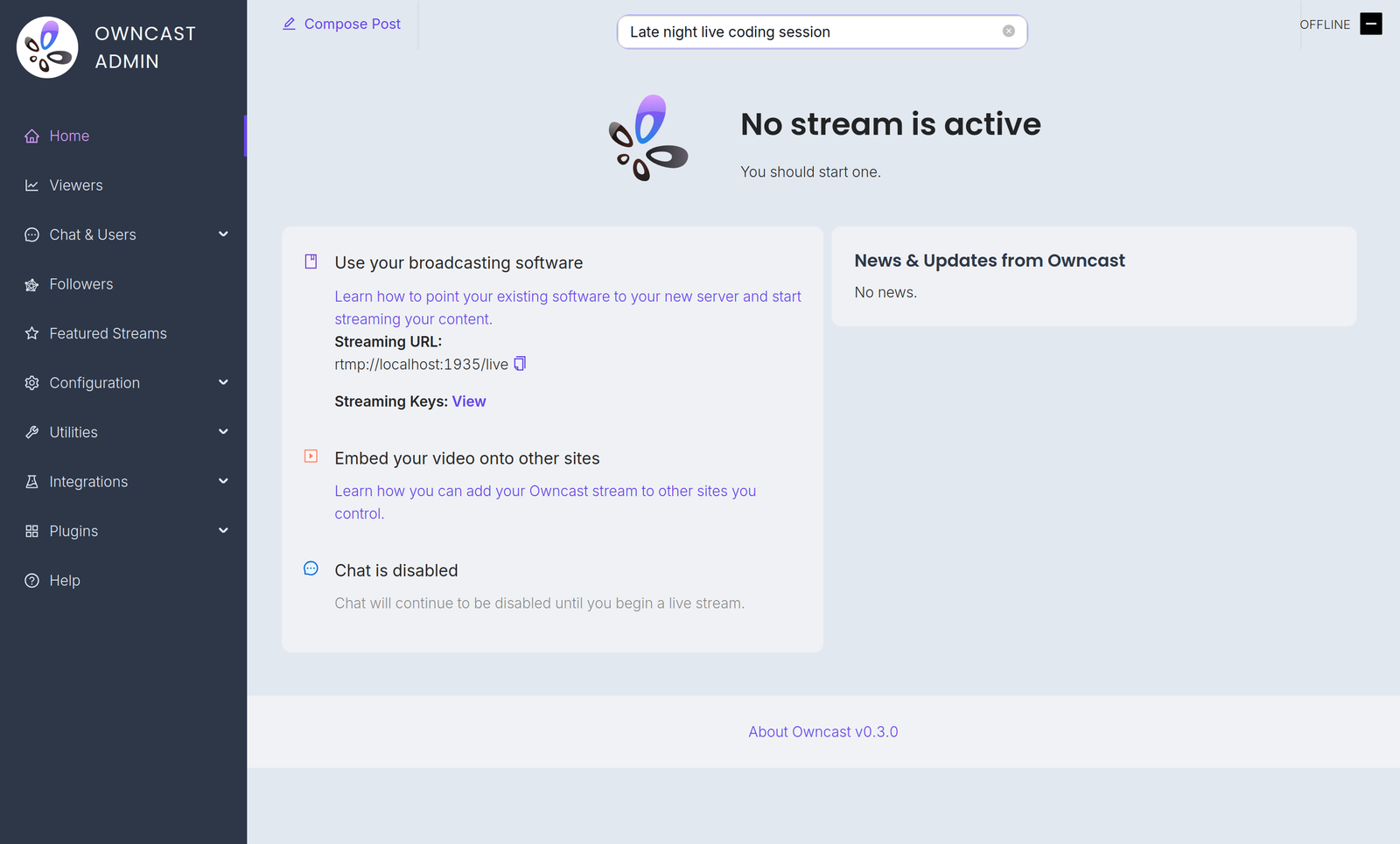
Configuration is done in the admin. Open it at /admin on your server and sign in with your admin password. The Configuration menu contains:
- General: your server name, logo, tags and page content. See customizing your website.
- Server Setup: admin password, stream keys, ports and S3 storage. See server setup.
- Video: quality variants, latency and codec settings. See video quality.
- Chat: enable or disable chat and set moderation rules. See chat moderation.
- Social: Fediverse participation and social links. See social features.
- Notifications: let your audience know when you go live. See notifications.
A few related settings live elsewhere in the admin. Webhooks, Access Tokens and External Actions are under Integrations. Custom emoji are under Chat > Emojis.
You can also extend Owncast's functionality with plugins or by building your own bots, overlays, tools and integrations on the APIs.
Improve this page
See something missing or incorrect? Edit this page and improve the documentation for everyone.
Contributors to this documentation

Related Documents
- Configuration via Runtime FlagsConfiguration is generally done through the Owncast administration page located on your server under `/admin`, however, there are a number of runtime flags you can set when starting Owncast to modify its behavior.
- Configuration via PluginsLet admins configure your plugin with typed settings. Owncast renders the form, you read the values at runtime with owncast.config.get.
- Server SetupReference for the Server Setup page in the Owncast admin, covering the admin password, stream keys, ports, FFmpeg path, and network settings.
- Customizing colors and appearanceCustomize the appearance of your Owncast instance.
- Video quality and performanceHow broadcasting software, video settings, object storage, latency, and metrics combine to shape your stream.
- Back Up Your Stream Data and ConfigurationOwncast makes periodic backups of your data that can be restored.