 Owncast now supports custom plugins.
 Add custom JavaScript
If you have some JavaScript you need to run when your Owncast web page loads, you can add it in the admin under Configuration > General > Custom Scripting.
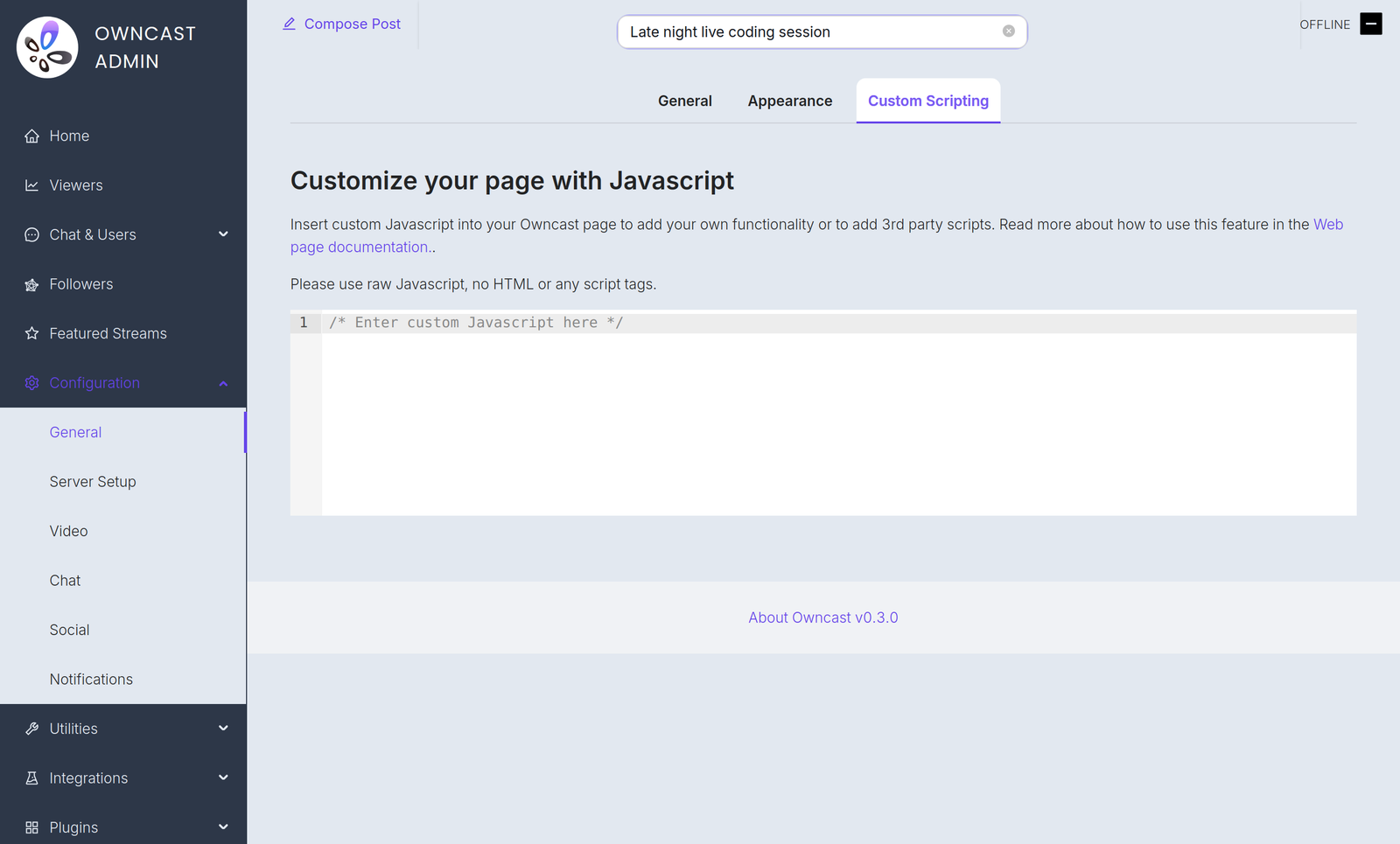
Some examples of reasons you might need this:
- Adding privacy-respecting analytics.
- Initializing a payment processor you have embedded on your page.
- Use JavaScript to manipulate the interface.
Plugin scripts require Owncast v0.3.0
Starting in Owncast 0.3.0, the /customjavascript endpoint serves your code followed by the scripts of every enabled plugin, so your code and plugin scripts share the same page context.

Owncat warns you
Double check your JavaScript. Any incorrect syntax or errors that you insert into the page may create errors and stop the page from loading or functionality from working.
Improve this page
See something missing or incorrect? Edit this page and improve the documentation for everyone.
Contributors to this documentation

Related Documents
- JavaScript SDKAuthor Owncast plugins in JavaScript or TypeScript with @owncast/plugin-sdk: scaffolding, the definePlugin API, the CLI, and the scenario test harness.
- Upload Custom emojiAdd your own custom emoji for use in chat.
- Show Custom Action Buttons On Your PageYou can display external user interfaces into Owncast by registering external actions.
- Run Owncast as a Background ServiceSetup owncast to run as a system service, automatically starting when your server does.
- Customize Your Owncast SiteCustomize your Owncast web page by adding additional content and links.
- ConfigurationConfiguration is generally done through the Owncast administration page located on your server under `/admin`, however, there are a number of runtime flags you can set when starting Owncast to modify its behavior.