 Owncast now supports custom plugins.
Change your streaming key & admin password
The admin
You can set the admin password and add stream keys in the admin under Configuration > Server Setup. See Server Setup for details on each tab. Stream keys and the admin password are unrelated settings. Changing one does not change the other.
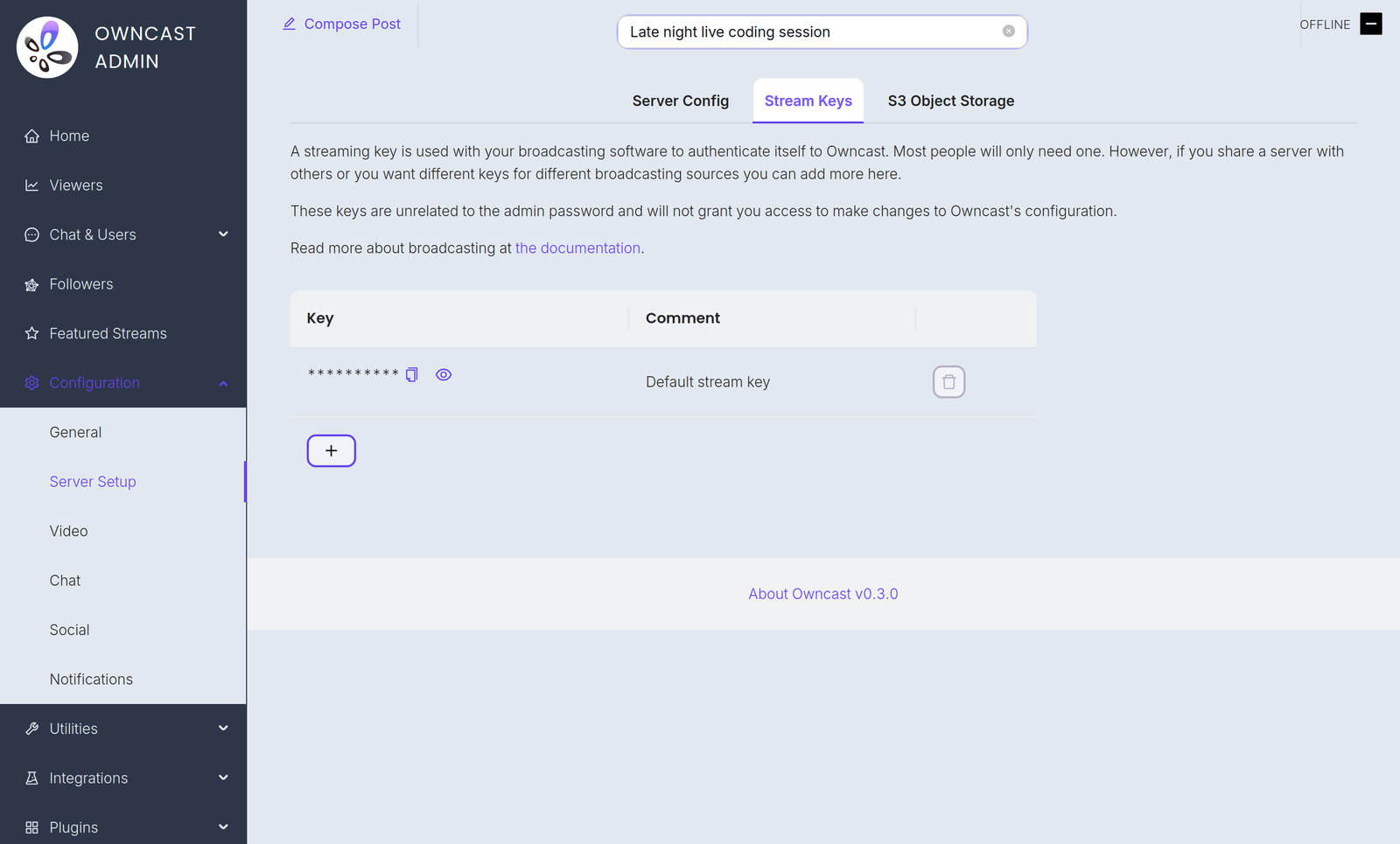
Stream keys
Command line flag
You can set a temporary stream key with the --streamkey command line flag. Run Owncast with --help to see all the available options.
- Stop the service from running.
- Run
owncast --streamkey newkey
This override lasts only as long as the process runs. While it is active it replaces your persisted stream keys for RTMP authentication and the Stream Keys tab is hidden in the admin. Restart Owncast without the flag to go back to your saved keys.
Admin password
You can change the admin password in the admin under Configuration > Server Setup. You can also set it at run time with the --adminpassword command line flag.
Improve this page
See something missing or incorrect? Edit this page and improve the documentation for everyone.

Related Documents
- Server SetupReference for the Server Setup page in the Owncast admin, covering the admin password, stream keys, ports, FFmpeg path, and network settings.
- Set Up Broadcasting SoftwareHow you configure your broadcasting software can impact the quality and performance of your stream
- Configure Your Stream Key and First StreamLearn how to login, change your stream key, and start your first stream with Owncast.
- Contributing web UI with PluginsAdd admin pages to the Owncast admin UI and action buttons to the viewer chrome.
- Configuration via PluginsLet admins configure your plugin with typed settings. Owncast renders the form, you read the values at runtime with owncast.config.get.
- Viewers further away are experiencing buffering