 Owncast now supports custom plugins.
Google TV
Smart TV
google-tvandroid-tvvlcsmart-tvtelevisionwatching
VLC for Android TV
RecommendedUse VLC from the Google Play Store to play Owncast streams on your Google TV.
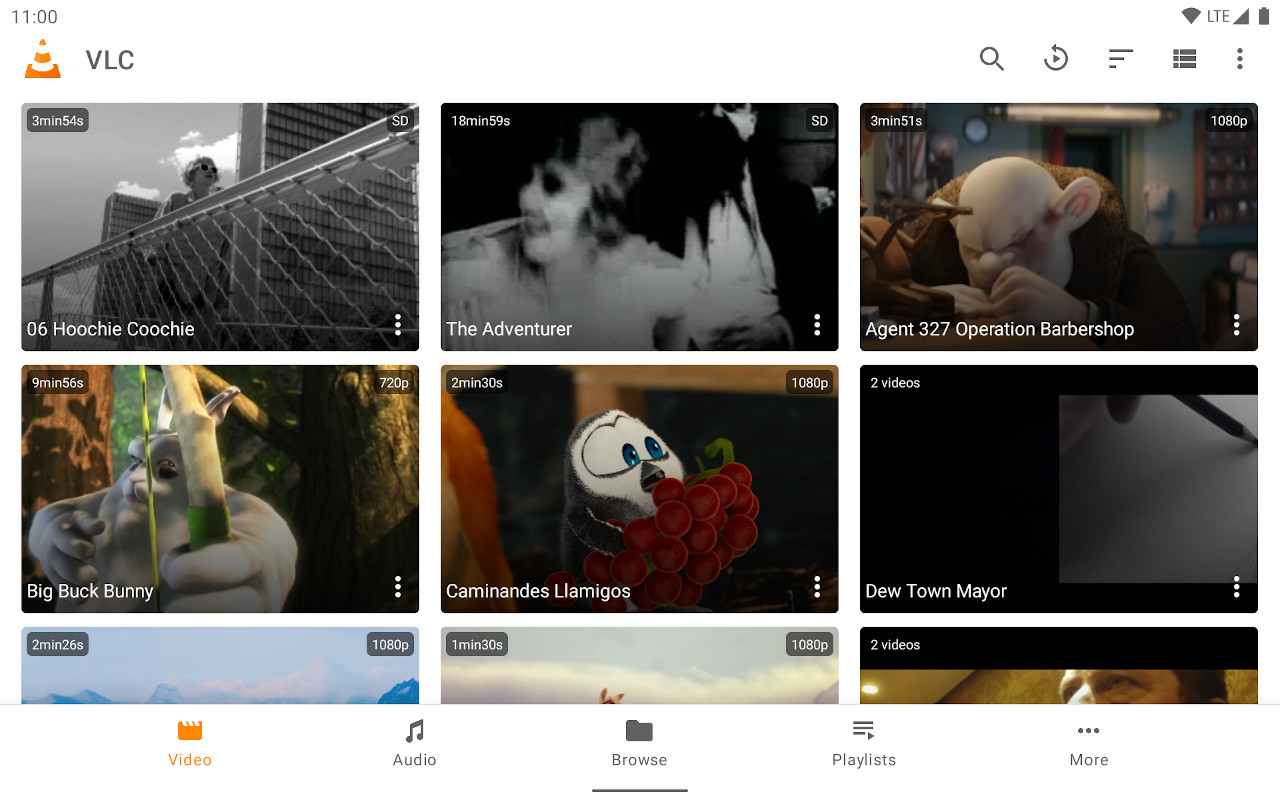
- Full-featured media player optimized for TV interface.
- Easy stream URL input.
- Free and regularly updated.
Show step-by-step instructions
- Install VLC from the Google Play store.
- Select Streams from the Browsing row.
- Enter the stream URL. The direct HLS form is the most reliable, for example
https://watch.owncast.online/hls/stream.m3u8. - Select the send arrow next to the field to start playback.
Improve this page
See something missing or incorrect? Edit this page and improve the documentation for everyone.
Contributors to this documentation

Related Documents
- Android phones and tabletsWatch Owncast streams on Android phones and tablets with VLC, mpv-android, or the built-in web player.
- Samsung Smart TVsLimited options for watching Owncast streams on Samsung Smart TVs due to platform restrictions.
- ChromecastCast Owncast streams to your Chromecast device directly from Chrome browser.
- Amazon Fire TVWatch Owncast streams on Amazon Fire TV using VLC or other compatible apps.
- LG Smart TVs (WebOS)Watch Owncast streams on LG WebOS TVs using an IPTV playlist app or the built-in browser.
- Watching on TVs and DevicesOverview of all supported devices and platforms for watching Owncast streams on televisions and streaming devices.