 Owncast now supports custom plugins.
 Web Player
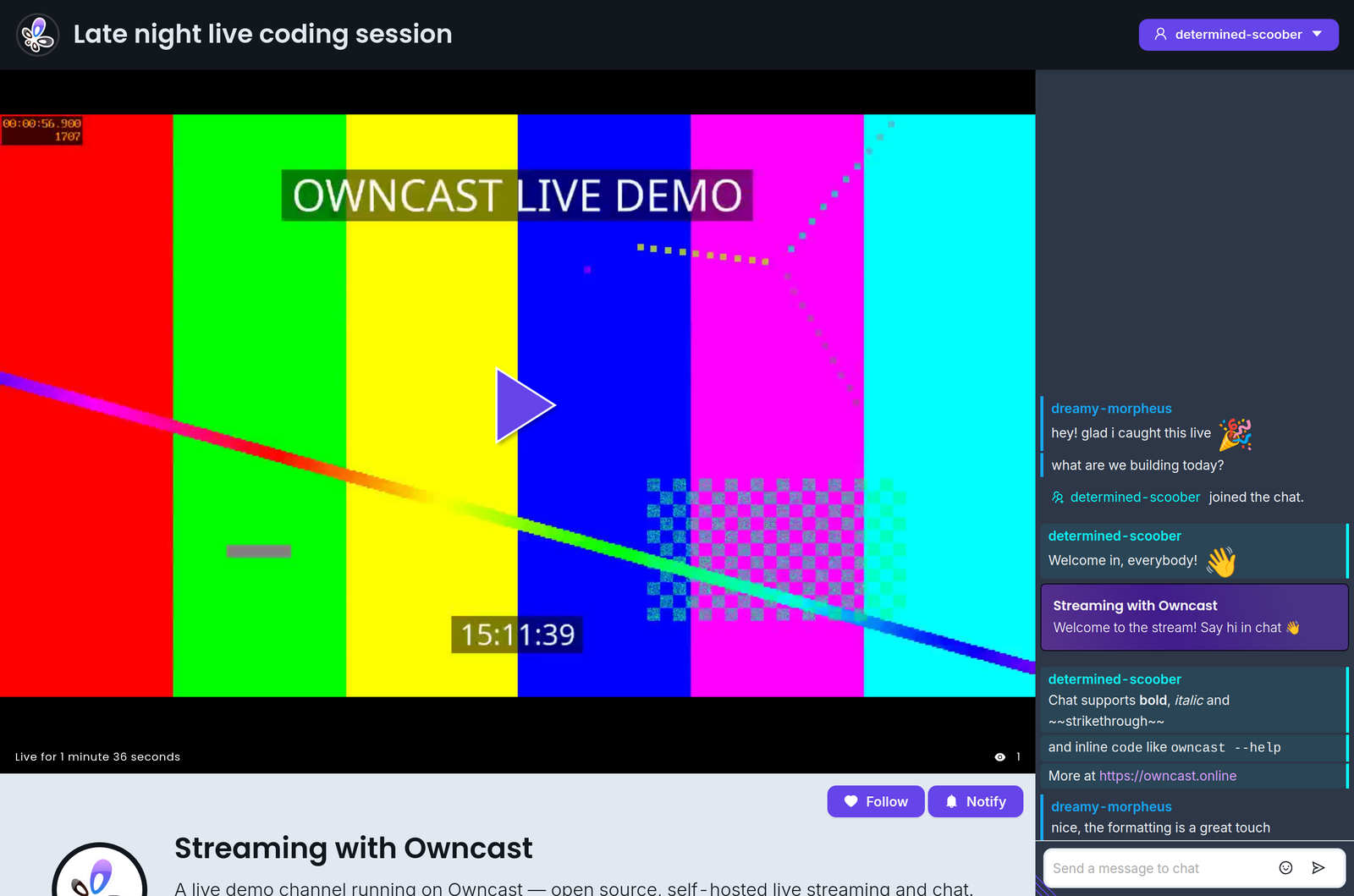
The Owncast web video player has a handful of keyboard shortcuts you can use.
| Action | Shortcut |
|---|---|
| Play/Pause | Spacebar |
| Volume up | 0 |
| Volume down | 9 |
| Mute | m |
| Toggle full screen | f |
| Toggle chat | c |
Shortcuts do not fire while you are typing in chat or another text field.
Improve this page
See something missing or incorrect? Edit this page and improve the documentation for everyone.
Contributors to this documentation

Related Documents
- Owncast Web APIsIntegrate external code with Owncast over HTTP, using webhooks to receive events and access-token APIs to send actions.
- Android phones and tabletsWatch Owncast streams on Android phones and tablets with VLC, mpv-android, or the built-in web player.
- Watching on TVs and DevicesOverview of all supported devices and platforms for watching Owncast streams on televisions and streaming devices.
- LG Smart TVs (WebOS)Watch Owncast streams on LG WebOS TVs using an IPTV playlist app or the built-in browser.
- ChromecastCast Owncast streams to your Chromecast device directly from Chrome browser.
- Google TVWatch Owncast streams on Google TV using VLC or other compatible Android TV apps.